> ## Documentation Index
> Fetch the complete documentation index at: https://docs.duiapi.com/docs/llms.txt
> Use this file to discover all available pages before exploring further.
# 充值
> 购买额度并完成支付
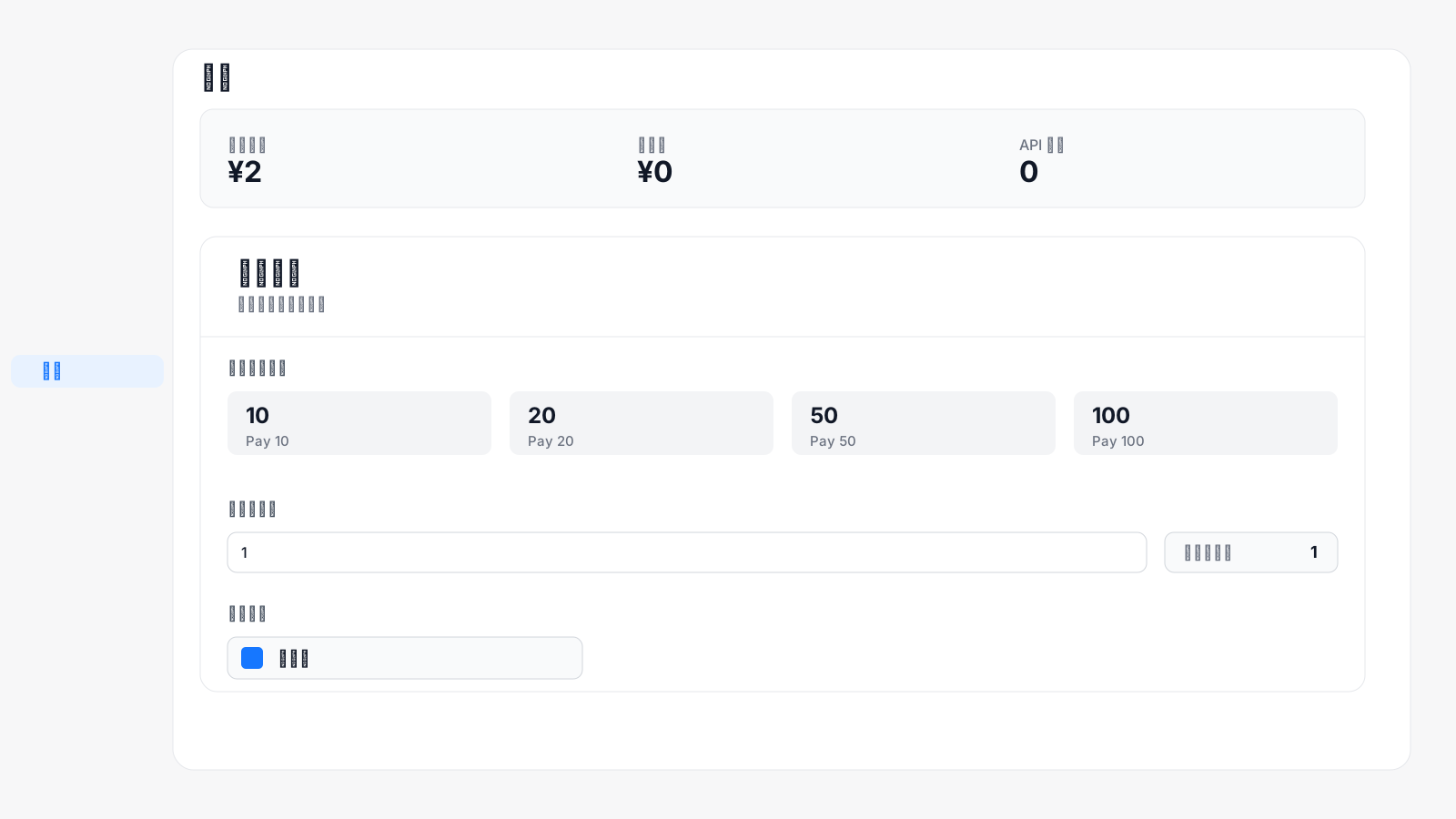
登录控制台后,进入左侧 **钱包** 页面购买额度。
 ## 充值步骤
在 **选择充值额度** 中选择固定额度,或在 **自定义额度** 中输入要充值的金额。
确认页面下方的 **实付金额** 后,点击 **支付宝** 后跳转到支付宝二维码完成支付。
## 充值步骤
在 **选择充值额度** 中选择固定额度,或在 **自定义额度** 中输入要充值的金额。
确认页面下方的 **实付金额** 后,点击 **支付宝** 后跳转到支付宝二维码完成支付。
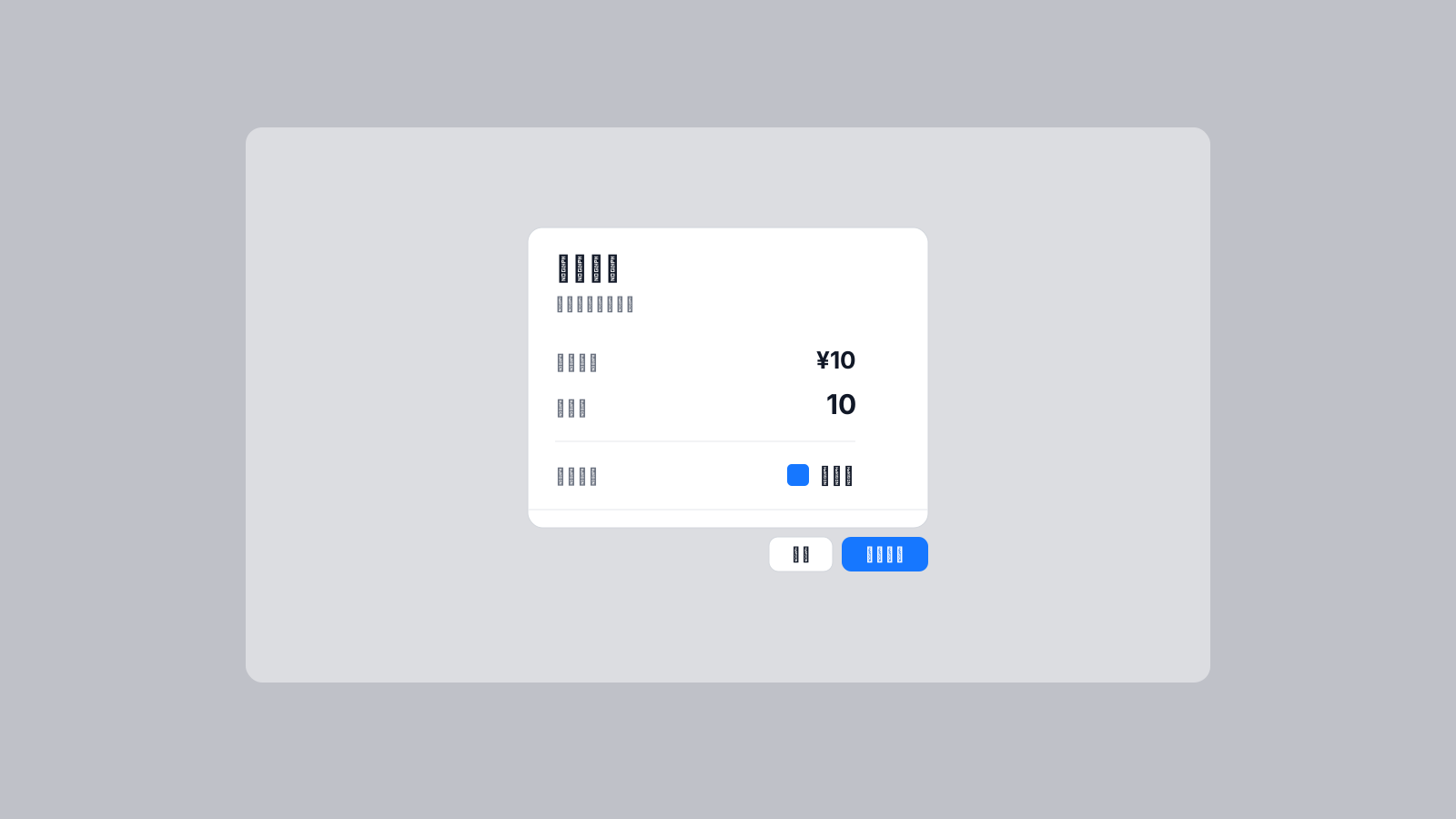 本平台收款为人民币,充值额度和系统额度一致。例如:付款 1 元,系统余额增加 1 元。