> ## Documentation Index
> Fetch the complete documentation index at: https://docs.duiapi.com/docs/llms.txt
> Use this file to discover all available pages before exploring further.
# 注册登录
> 创建账号并登录 DUIAPI
注册入口:[https://www.duiapi.com/sign-up](https://www.duiapi.com/sign-up)
## 进入注册页
如果你在登录页,也可以点击底部 **注册** 进入注册流程。
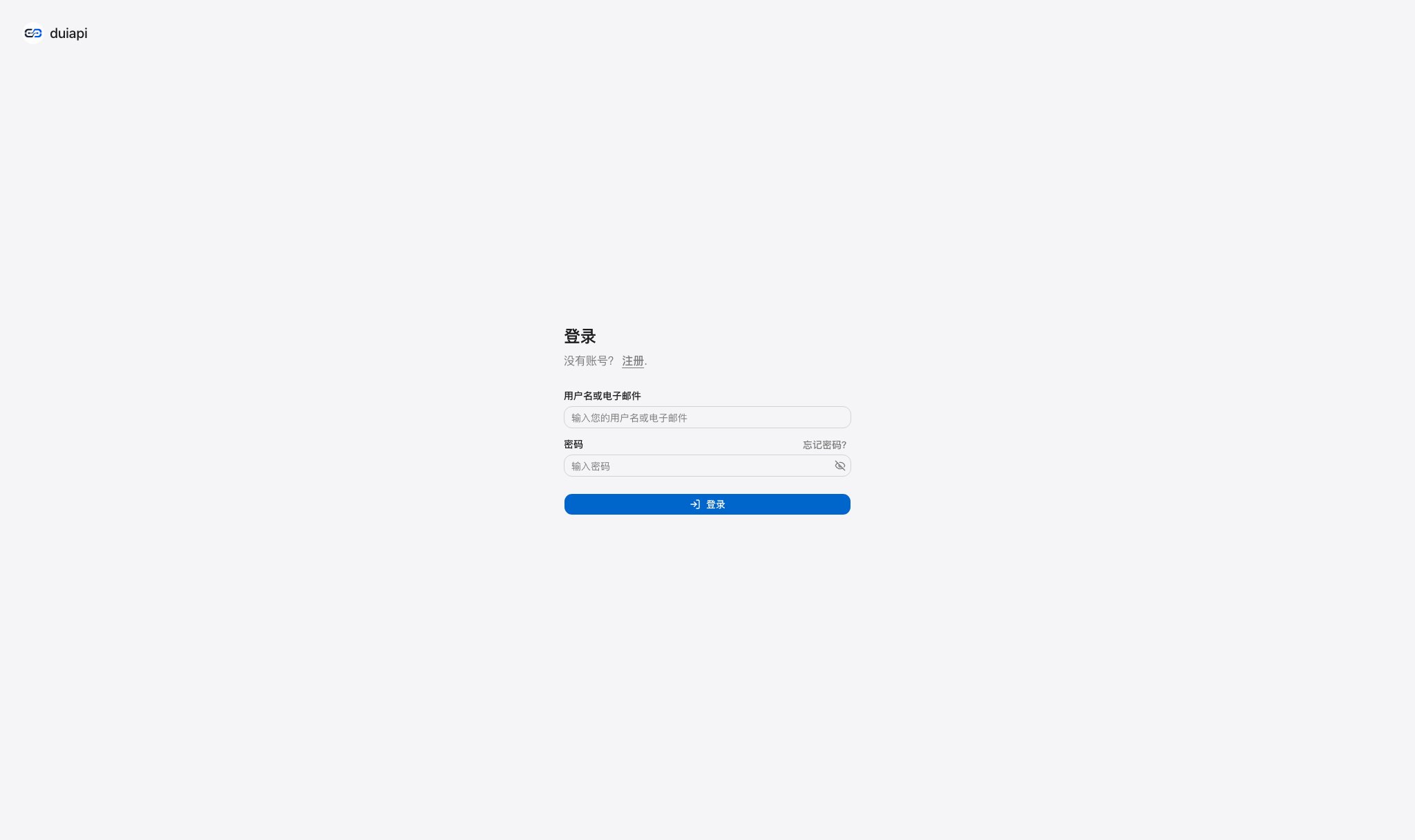 登录页底部的 **注册** 链接会进入注册流程。
填写邮箱、用户名和密码。
按页面提示提交,完成注册。
## 温馨提示
邮箱会用于接收验证与通知;密码建议使用字母、数字和特殊字符组合。请妥善保管登录凭证,避免账号被盗用。
## 登录
已有账号直接在 [/login](https://runapi.co/login) 登录。忘记密码可在登录页点击 **忘记密码?**,通过注册邮箱重置。
登录页底部的 **注册** 链接会进入注册流程。
填写邮箱、用户名和密码。
按页面提示提交,完成注册。
## 温馨提示
邮箱会用于接收验证与通知;密码建议使用字母、数字和特殊字符组合。请妥善保管登录凭证,避免账号被盗用。
## 登录
已有账号直接在 [/login](https://runapi.co/login) 登录。忘记密码可在登录页点击 **忘记密码?**,通过注册邮箱重置。