> ## Documentation Index
> Fetch the complete documentation index at: https://docs.duiapi.com/docs/llms.txt
> Use this file to discover all available pages before exploring further.
# Recharge
> Buy credits and complete payment
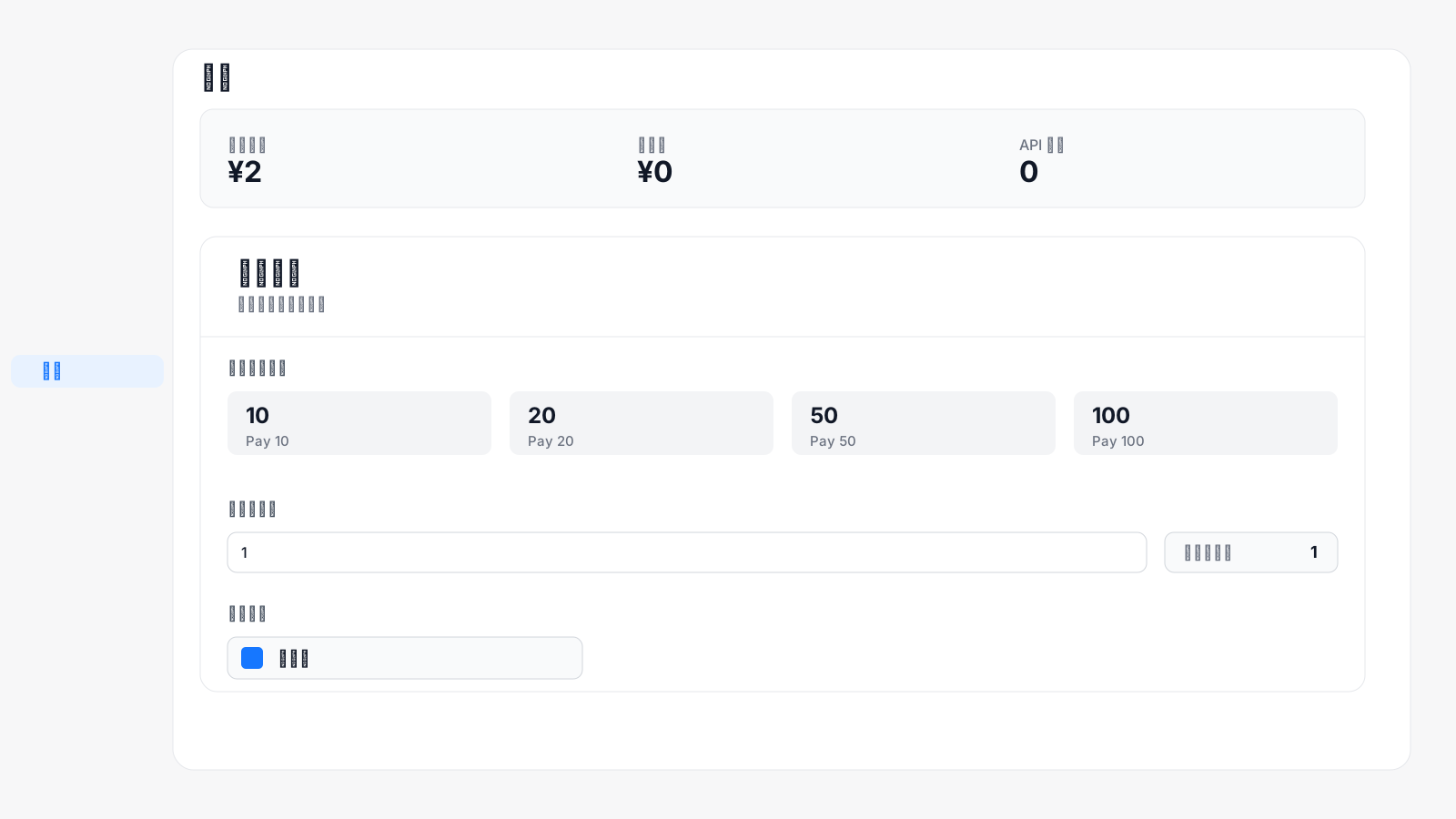
After logging in to the console, open **Wallet** in the left sidebar to buy credits.
 ## Recharge steps
Select a fixed amount under **Select recharge amount**, or enter the amount you want under **Custom amount**.
Confirm the **Amount payable** at the bottom of the page, then click **Alipay** and complete payment with the Alipay QR code.
## Recharge steps
Select a fixed amount under **Select recharge amount**, or enter the amount you want under **Custom amount**.
Confirm the **Amount payable** at the bottom of the page, then click **Alipay** and complete payment with the Alipay QR code.
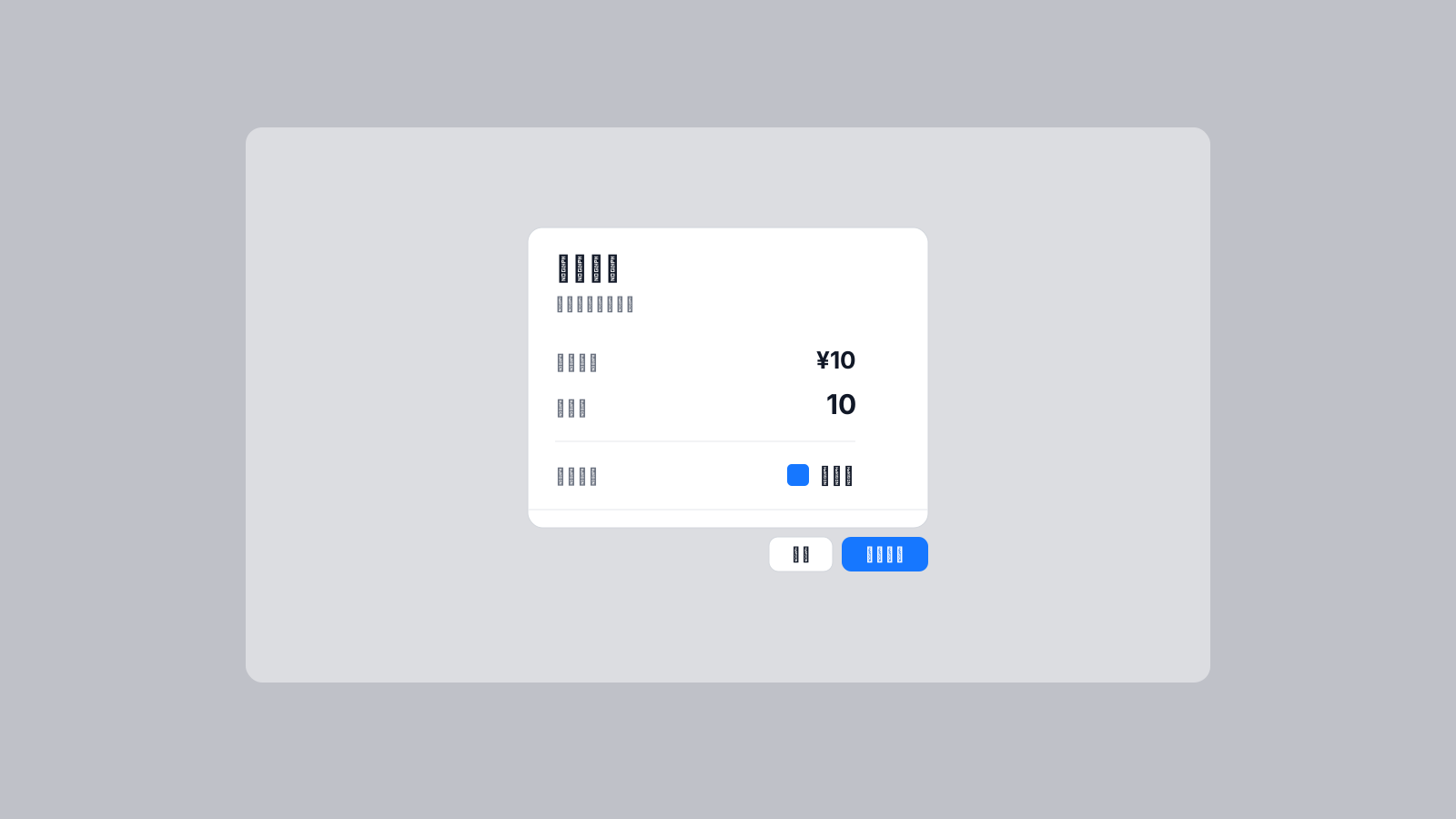 The platform charges in CNY. The recharge amount is equal to the system balance added. For example, if you pay 1 CNY, your system balance increases by 1 CNY.