> ## Documentation Index
> Fetch the complete documentation index at: https://docs.duiapi.com/docs/llms.txt
> Use this file to discover all available pages before exploring further.
# Sign up and log in
> Create an account and log in to DUIAPI
Sign-up entry: [https://www.duiapi.com/sign-up](https://www.duiapi.com/sign-up)
## Open the sign-up page
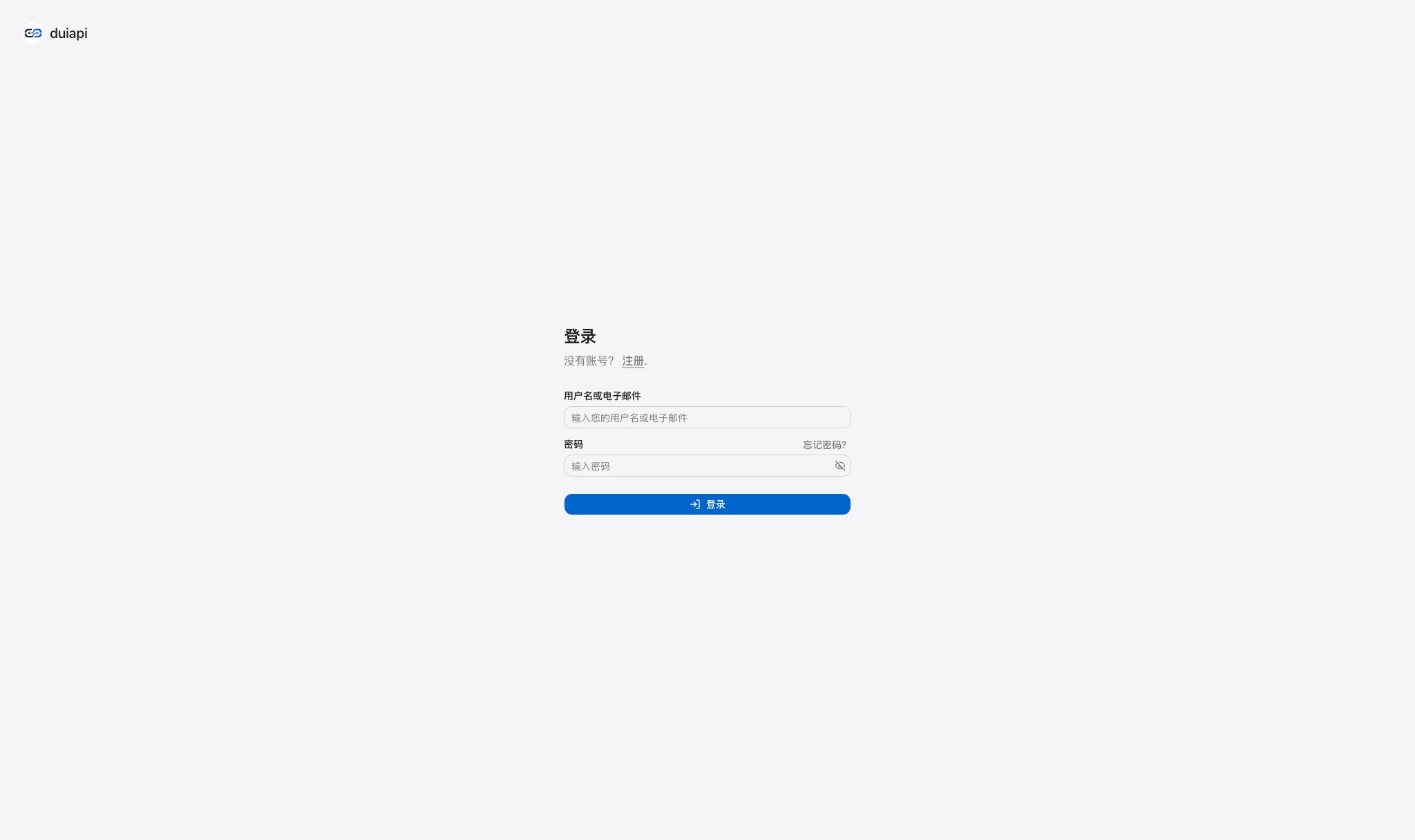
If you are on the login page, click **Sign up** at the bottom to start registration.
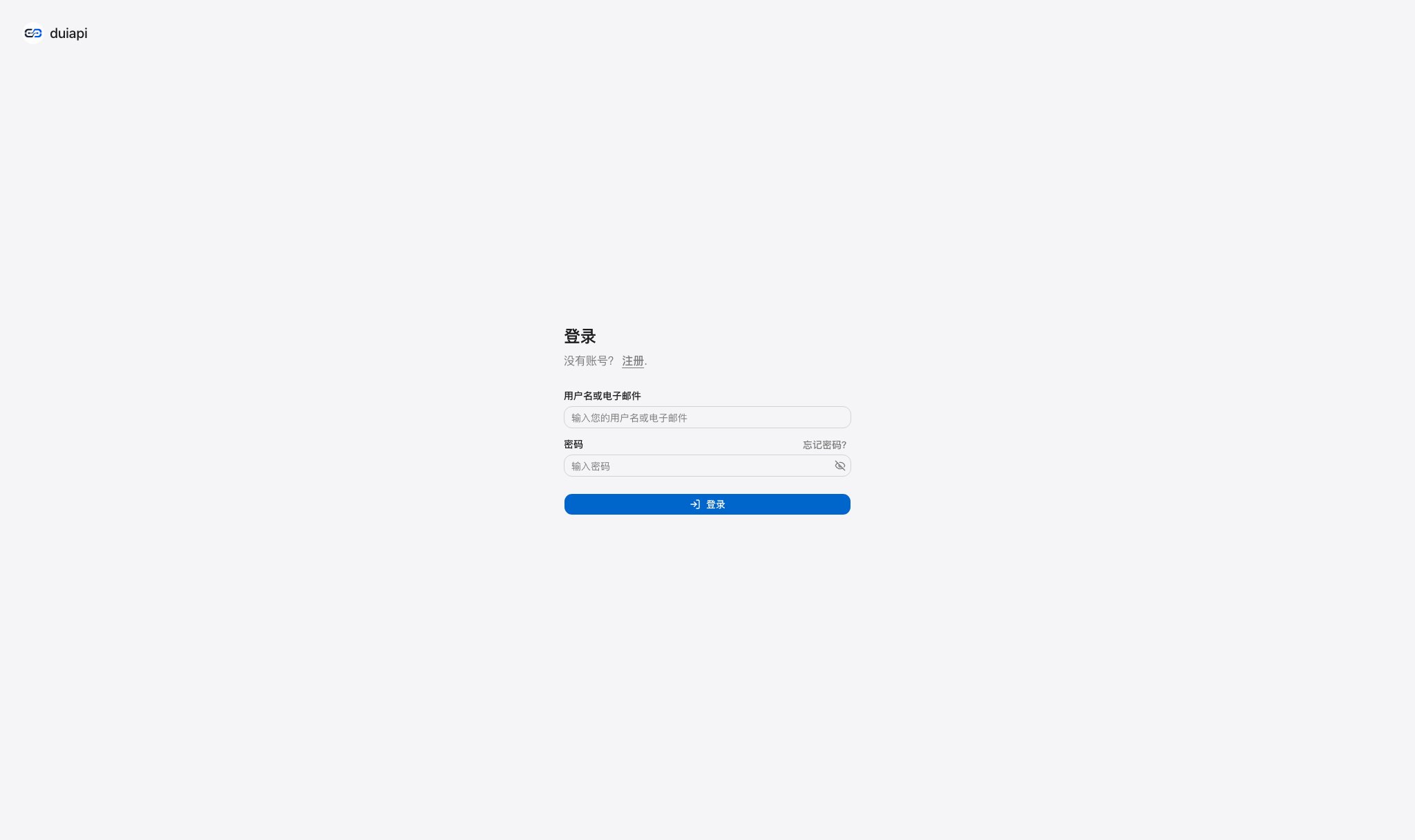 The **Sign up** link at the bottom of the login page opens the registration flow.
Enter your email address, username, and password.
Follow the page instructions and submit the form to complete registration.
## Tips
Your email address is used for verification and notifications. Use a password that combines letters, numbers, and special characters. Keep your login credentials safe to prevent account theft.
## Log in
If you already have an account, log in at [/login](https://runapi.co/login). If you forget your password, click **Forgot password?** on the login page and reset it with your registered email address.
The **Sign up** link at the bottom of the login page opens the registration flow.
Enter your email address, username, and password.
Follow the page instructions and submit the form to complete registration.
## Tips
Your email address is used for verification and notifications. Use a password that combines letters, numbers, and special characters. Keep your login credentials safe to prevent account theft.
## Log in
If you already have an account, log in at [/login](https://runapi.co/login). If you forget your password, click **Forgot password?** on the login page and reset it with your registered email address.